6 Top Wappalyzer alternatives (free and paid)

In This Article
- Wappalyzer vs. the best alternatives: quick comparison
- Why look for a Wappalyzer alternative?
- Lower pricing
- Different detection capabilities
- 1. Stackcrawler
- Best for
- Key features
- Pricing
- Which one should you choose?
- 2. SimilarTech
- Price
- Key features
- 3. BuiltWith
- Price
- Key features
- 4. WhatRuns
- Price
- Key features
- 5. WhatCms
- Price
- Key features
- 6. Snov.io
- Price
- Key features
When researching competitors or looking for inspiration for a website stack, Wappalyzer is a name that often comes up.
Wappalyzer is a well-known tool that lets you identify the technologies and frameworks a website uses.
However, accessing Wappalyzer’s full range of features comes at a cost! You get 50 website lookups monthly for free, but after that, it costs $250 per month for 5,000 lookups.
That can be a significant expense for small businesses or individual users, so seeking alternatives might be the best option.
This article lists some free and paid Wappalyzer alternatives for you to try.
Wappalyzer vs. the best alternatives: quick comparison
| Tool | Best for | Free option | Starting paid price | Browser extension | API | Bulk lead lists | Historical data |
|---|---|---|---|---|---|---|---|
| Wappalyzer | General-purpose technology detection and API workflows | 50 account lookups/month; free extension detection | $250/month | Yes | Yes | Yes | Limited |
| Stackcrawler | Affordable technology research and lead generation | 30 website profiles/month | $19/month | Yes | Yes | Yes | Yes |
| BuiltWith | Large datasets and historical technology research | Free individual lookups | $295/month | Yes | Yes | Yes | 18+ years |
| SimilarTech | Technographics combined with traffic and company data | Limited free tools | Contact sales | Yes | Yes | Yes | Yes |
| WhatRuns | Quick, free detection while browsing | Completely free | Free | Yes | No public API | No | No; change alerts only |
| WhatCMS | Identifying a website’s CMS | Free individual lookups | $99/month for API access | No | Yes | No | No |
| Snov.io | Technology detection alongside sales prospecting | Free extension | Depends on Snov.io plan | Yes | Through its platform* | Yes* | No* |
Table above: Wappalyzer is included as the comparison baseline rather than an alternative. Its browser extension remains available for free, while a free account includes 50 technology lookups per month. Paid plans start at $250 per month. Stackcrawler starts at $19 per month, making it a considerably less expensive option for users who need technology profiles, API access, or technology-based lead lists.
Why look for a Wappalyzer alternative?
Wappalyzer is one of the best-known tools for identifying the technologies used by a website.
Its browser extension remains useful for quick checks, while its paid plans provide lead lists, company data, and API access.
However, it may not suit every workflow or budget. Here are some common reasons to consider an alternative.
Lower pricing
Wappalyzer provides 50 technology lookups per month with a free account, but its paid plans start at $250 per month for 5,000 lookups.
This may be difficult to justify for freelancers, developers, and small businesses that only need occasional reports or a more affordable API.
Some alternatives offer lower-priced subscriptions, free individual lookups, or completely free browser extensions.
Different detection capabilities
Technology-detection tools do not all inspect websites in the same way.
A browser extension can examine a page after JavaScript has executed, while a server-side crawler may use stored crawl data.
Other services also inspect HTTP headers, cookies, DNS records, and certificates.
As a result, two tools can produce different results for the same website. One may be better at identifying JavaScript frameworks, while another may provide stronger hosting, infrastructure, or historical information.
1. Stackcrawler
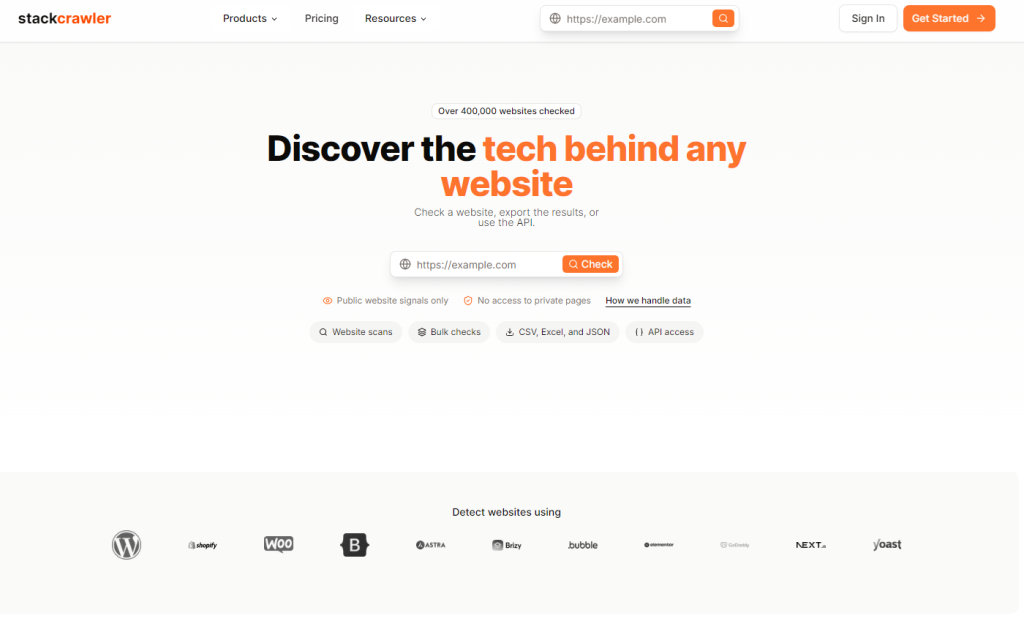
Stackcrawler and Wappalyzer both identify the technologies used by websites, but they target somewhat different customers.
Wappalyzer is an established technographic platform aimed increasingly at professional sales, enrichment and API workflows.
Stackcrawler offers many comparable research features at a considerably lower entry price.
| Feature | Stackcrawler | Wappalyzer |
|---|---|---|
| Best for | Affordable research, bulk scans and lead lists | Mature technographics, enrichment and large API workflows |
| Free website checks | Limited daily scans | 50 account lookups per month |
| Free browser extension | Yes | Yes |
| Starting paid price | $19/month | $250/month |
| Paid-plan allowance | Unlimited manual scans on Pro | 5,000 lookups on Pro |
| API trial | 25 free lifetime requests | Available through account/plans |
| Entry paid API allowance | 500 requests/month | 5,000 included API credits on Pro |
| Bulk website scanning | Up to 50 URLs per batch | Yes |
| Data exports | CSV, Excel and JSON | Yes |
| Technology-based lead lists | Advanced plan | Yes |
| Company and contact data | Advanced plan | Yes |
Stackcrawler identifies the technologies used by a website, including content management systems, ecommerce platforms, JavaScript frameworks, analytics tools, fonts, themes, and plugins.
You can perform individual lookups through the website or inspect the current page using its free Chrome extension.
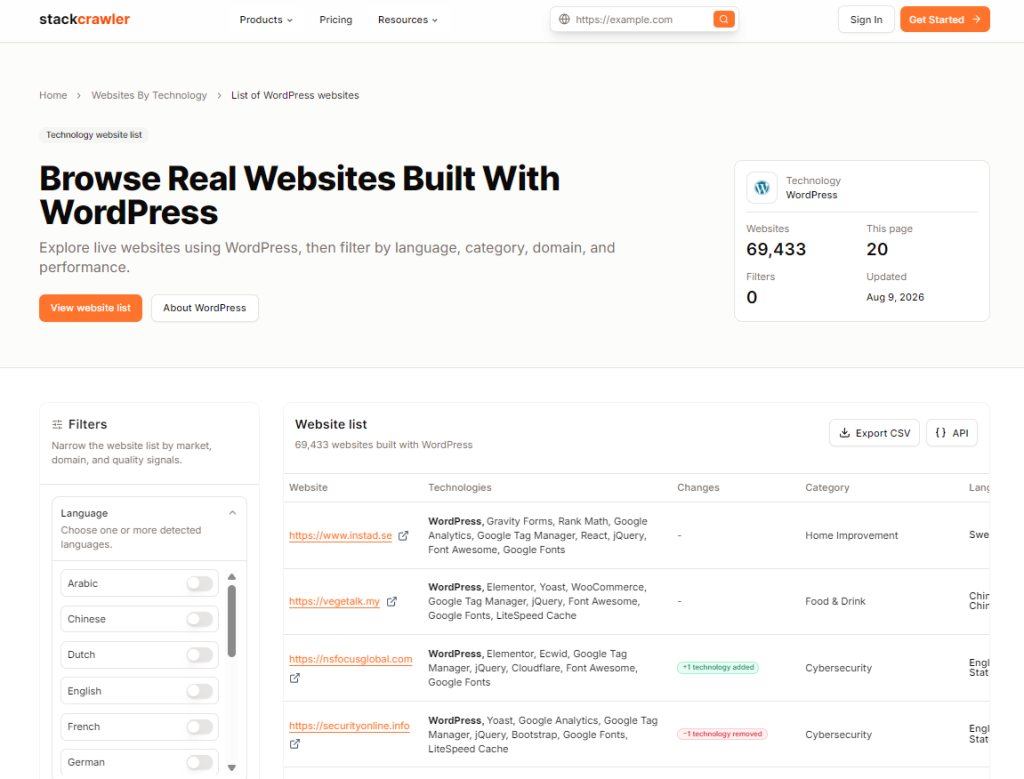
Unlike tools limited to one-off checks, Stackcrawler also supports bulk scanning, data exports, technology-based website lists, and API access.
This makes it useful for developers researching competitors, agencies examining client websites, and sales teams building prospect lists based on the software companies use.
You can also use the Stackcrawler Chrome extension directly in your Chrome browser to detect stack.
Best for
Stackcrawler is best suited to users who want affordable website technology research, bulk scanning, and lead-generation features without paying several hundred dollars per month.
Key features
- Detects platforms, frameworks, analytics tools, plugins, themes and other technologies
- Free Chrome extension for checking the current website
- Bulk scans of up to 50 URLs at a time
- CSV, Excel and JSON exports
- Website lists filtered by technology, country and performance
- Technology-based lead lists with available public contact data
- REST API for automated website lookups
- Market-share and technology-usage reports
Pricing
Stackcrawler offers three plans:
- Free: limited daily website scans and 25 lifetime API requests
- Pro: $19 per month, including unlimited scans, bulk scanning, exports, and 500 monthly API requests
- Advanced: $49 per month, adding lead lists, complete technology datasets, and continued API access subject to fair-use limits
See the current details on the Stackcrawler pricing page.
Which one should you choose?
Choose Stackcrawler if you:
- Want paid technology research from $19 per month
- Need affordable bulk scans and exports
- Want to identify themes, plugins, and ecommerce technologies
- Need a small or moderately sized API allowance
- Want technology-based lead lists without enterprise pricing
Choose Wappalyzer if you:
- Need a more established technographic platform
- Require higher published API and lookup allowances
- Want email verification or CRM enrichment
- Need a platform designed around larger sales teams
- Already use Wappalyzer’s data in existing workflows
2. SimilarTech
SimilarTech offers in-depth technology insights and lead discovery by analyzing the technology stacks of millions of websites.
Price
- Offers both free tools and paid plans.
- Pricing is available upon request.
Key features
- Comprehensive technology analysis of websites.
- Market share reports and trend analysis.
- Lead generation with technology filters.
- Competitor analysis and tracking.
Check out our BuiltWith alternatives here.
3. BuiltWith

BuiltWith is a website profiler, lead generation, competitive analysis, and business intelligence tool that provides technology adoption and usage analytics for the Internet.
Price
- Offers both free and paid plans.
- Paid plans start at $295 per month for the Pro plan.
Key features
- Detailed technology profiling of websites.
- Lead generation and sales intelligence.
- Market analysis and trend tracking.
- Competitor website tracking.
4. WhatRuns

WhatRuns is a browser extension that helps you identify technologies used on any website, including frameworks, analytics tools, WordPress plugins, fonts, and more.
Price
- Free to use.
Key features
- Easy-to-use browser extension.
- Detects a wide range of web technologies.
- Real-time updates as you browse websites.
- Option to follow websites to get notified of technology changes.
5. WhatCms

WhatCMS is a tool that detects which Content Management System (CMS) a website uses.
Price
- Free for individual lookups.
- Paid API access starting at $99 per month.
Key features
- Detects over 500 different CMS types.
- API access for developers and bulk lookups.
- Simple interface for quick technology identification.
- Useful for market research and competitor analysis.
6. Snov.io

Snov.io Technology Checker is a Chrome extension that reveals the technologies used by websites and provides additional company information.
Price
- Free browser extension.
Key features
- Detects various web technologies and tools.
- Provides company details and contacts.
- Integrates with other Snov.io lead generation tools.
- Useful for sales prospecting and research.
Check out the most popular e-commerce platforms right now here.
Christoffer Pettersen
Founder, Web developerPettersen is the founder of Stackcrawler, a platform that helps analyze tech stacks. He is passionate about new trends and technologies in the software industry.